Remote site security means protecting a location nobody staffs full time by layering detection, video, access control and off-site monitoring, so a person sees and answers a problem within minutes instead of the next morning. The sites that benefit most are solar and wind farms, battery storage, pump stations, substations, construction sites, yards and agricultural facilities. This guide covers what a working setup includes, how to keep it running with weak power or internet, and how to replace legacy equipment without leaving gaps.
TL;DR
- Layer your protection: perimeter detection, cameras, access control and a monitoring station work as one system, not four separate products.
- Design the communications first. Cellular, radio and IP paths can back each other up where landline service does not exist.
- Remote access to your own systems is a threat surface too, so secure it as carefully as the fence.
- When replacing legacy equipment, survey what still works, keep compatible cabling and migrate in phases so coverage never drops.
- Budget for maintenance and monitoring from day one, because uptime decides whether the system protects you when it matters.
What remote site security actually involves
A remote site has three problems an office does not. Nobody is there to notice something odd, response takes longer because of distance, and the site is often poorly connected to your corporate network.
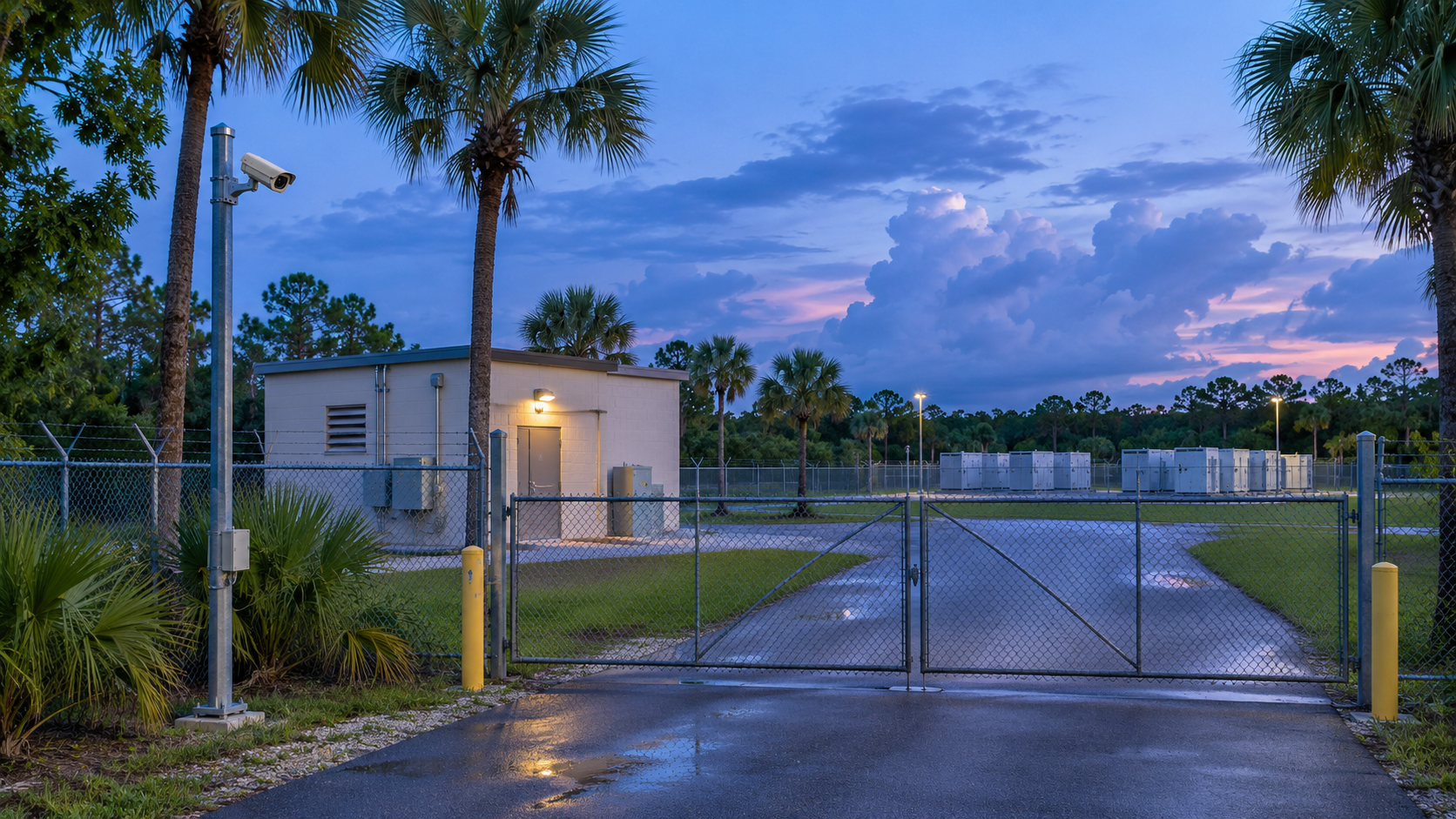
That last point matters more than most owners expect. SANS Institute reported in February 2026 that visibility at remote field sites is among the thinnest, and that practitioners increasingly believe these environments are being targeted. A site you cannot see is a site you cannot defend.
So the job splits into four functions:
- Deter and detect at the boundary, before anyone reaches your assets.
- Verify with video, so an alarm becomes a confirmed event rather than a guess.
- Control entry to gates, compounds, cabinets and buildings.
- Respond, through a monitoring station that can speak to intruders, call authorities and notify you.
The threats are familiar: copper and equipment theft, vandalism, trespass, vehicle intrusion and unauthorized entry to control rooms. Remote sites with valuable, portable or critical assets, such as inverters, cable, batteries, fuel and tools, attract the most attention.
Why layers beat any single device
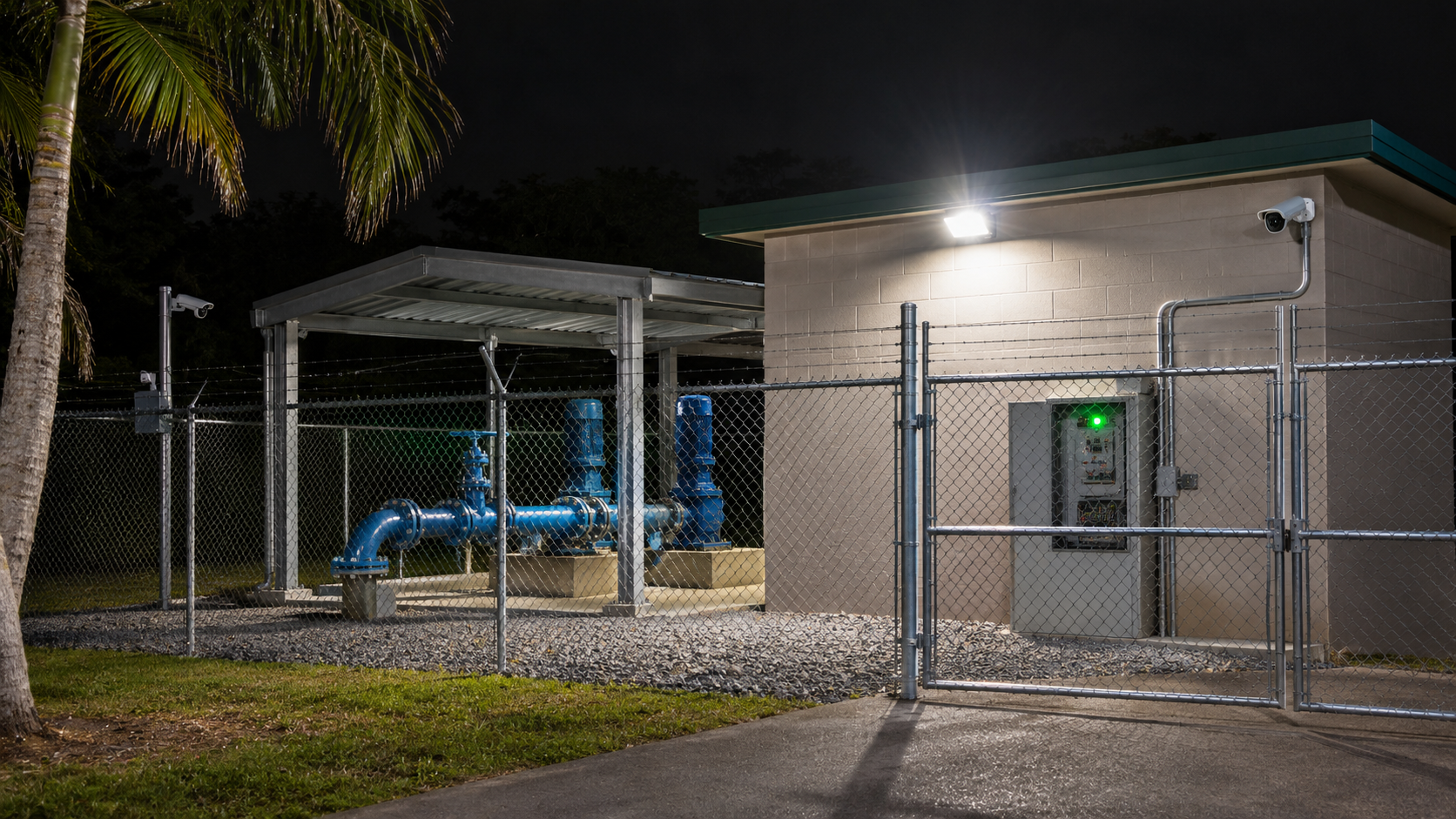
No single camera or sensor covers every scenario. The U.S. Department of Homeland Security’s February 2025 handbook describes video security systems as a security force multiplier, giving more frequent surveillance across a larger area than personnel alone could manage. The same document notes that video equipment is often combined with alarms for barriers, intrusion detection and access control.
The American Gas Association makes the same point for pipeline and utility locations: physical security is best achieved with a layered approach that includes perimeter and intrusion detection, access control, video management, mapping and adjudication software, and a security operations center.
In practice, here is how the layers cooperate on a typical site:
| Layer | What it does | What it hands to the next layer |
|---|---|---|
| Perimeter detection | Senses a person or vehicle at the fence line or approach | Triggers the nearest cameras and an alarm event |
| Video surveillance | Shows what caused the alarm, day or night | A verified image or clip for the operator |
| Access control | Limits and logs who enters gates, doors and enclosures | Audit trail and instant alerts for forced or held doors |
| Remote monitoring | A trained operator reviews events, issues audio warnings, dispatches response | A documented incident for you and your insurer |
The value is in the handoff. A fence sensor that only sounds a local siren gets ignored within a week. A sensor that pulls up live video for an operator who can respond gets action.
Designing the system: what to assess first
Before choosing equipment, walk the site and answer these questions. A design built around them will differ from a catalog list.
Assets and threat profile
What is worth stealing or damaging, and where is it? Concentrate your tightest detection around those points. A solar array with long fence runs needs different coverage from a battery storage compound or a construction laydown yard. We cover several of these cases in our guides to wind farm security, battery storage site perimeter security and construction site security.
Perimeter length and terrain
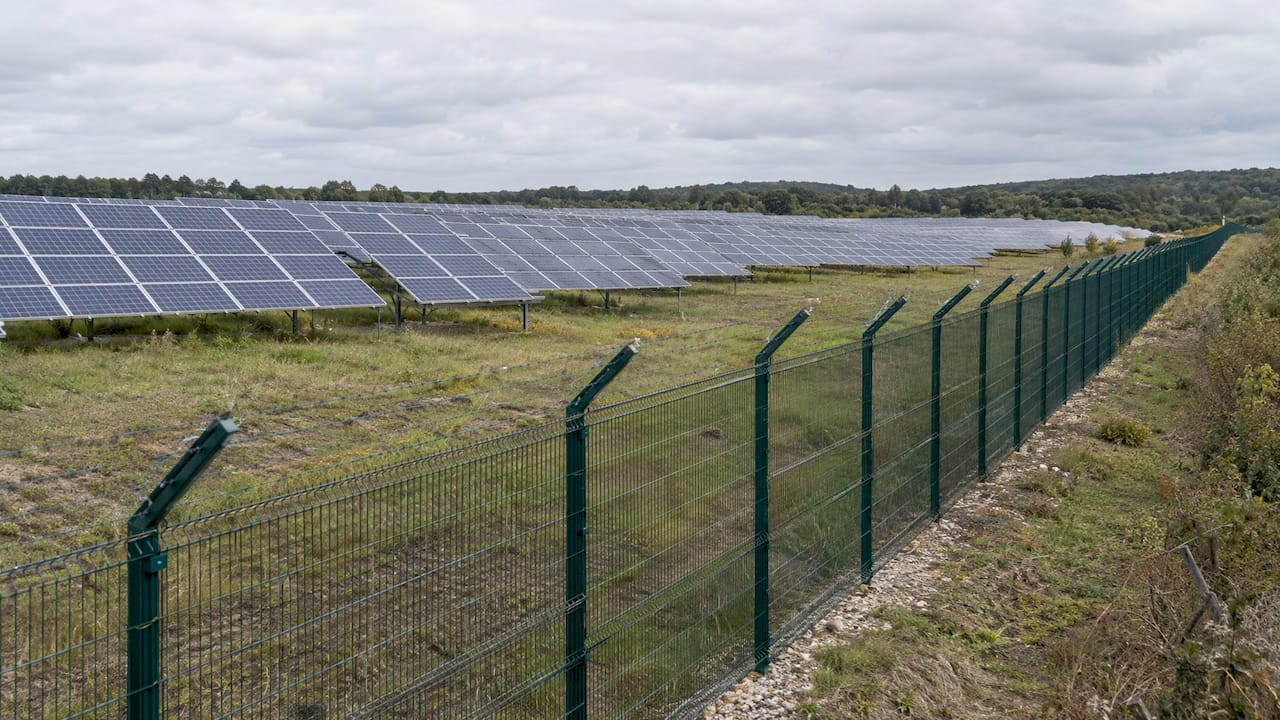
Long, irregular boundaries, vegetation, slopes and weather decide which detection technology performs reliably. Thermal cameras and video analytics reduce false alarms from animals and moving brush. Our overview of perimeter intrusion detection for exposed sites explains how those choices play out.
Lighting and visibility
Cameras that perform in daylight can fail at night without the right illumination or thermal imaging. Decide early whether the site will be lit, dark with infrared, or covered by thermal sensors.
Who needs access and when
Contractors, delivery drivers, technicians and staff need different permissions. Credentials that can be issued and revoked remotely save a truck roll every time someone changes jobs. Mobile access control with phone credentials is one way to manage this across many sites.
What happens after an alarm
Decide in advance who is called, in what order, and what the operator is allowed to do. A written response plan is part of the design, not an afterthought.
Power and connectivity for sites with weak infrastructure
This is where many remote projects stumble. A camera with no uplink is just a recorder that tells you what happened after the loss.
The AGA note lists the ways alarm systems reach a monitoring station: direct phone line, cellular network, radio network or an IP path. It adds that dual signaling uses two of these at once, and that where a remote building has no landline service, a wireless cellular or radio device can serve as the primary path.
Translate that into design rules:
- Never rely on one path. Pair cellular with a second route such as radio or wired IP, so a tower outage or cut cable does not blind you.
- Process at the edge. Cameras with onboard analytics send only meaningful events, which keeps bandwidth needs low on weak links.
- Record locally. On-site storage keeps footage when the link drops and uploads when it returns.
- Plan power honestly. Solar-and-battery or generator-backed supplies need sizing for night-time infrared, heaters in cold climates and the communications gear, not just the cameras.
- Use proper backbone where distance allows. On larger sites, fibre-optic and structured cabling carry cameras, sensors and Wi-Fi reliably across long runs.
We design and install this infrastructure alongside the security hardware, including structured cabling, fibre-optic networks and commercial Wi-Fi, so the network carrying your video is planned with the cameras rather than bolted on afterward.
Secure the remote access to your own systems
Remote monitoring creates a way in for you, and potentially for someone else. SANS reports that remote access abuse remains the most common initial access vector for industrial control and OT threats. It also reports that fewer than 15% of organizations use advanced controls such as protocol gating or session recording.
For your security network, that suggests a short checklist:
- Put cameras, recorders and access panels on a segmented network, separate from business systems.
- Remove default passwords and use unique credentials per device and per user.
- Require multi-factor authentication for every remote login.
- Log and review remote sessions, and remove accounts when people leave.
- Keep firmware current under a scheduled maintenance plan.
Your IT team or provider can go deeper on remote desktop security controls, which sit alongside the physical measures described here. Treat the two as one program, because an attacker will pick whichever door is weaker.
Replacing legacy security systems without gaps
Many remote sites run analog cameras, standalone alarm panels or recorders installed a decade ago. They still record something, which is why upgrades get postponed. The risk is that nobody is watching, the image quality cannot identify a face or plate, and parts are scarce.
A sound replacement follows this order:
- Audit what exists. List every camera, sensor, panel, recorder, cable run and power source, and note what is failing or unsupported.
- Define the gaps. Where do blind spots, false alarms, missed events or slow response occur? Fix those first.
- Reuse what is sound. Existing conduit, poles, fiber and power often survive an upgrade and cut cost and disruption.
- Design for integration. Choose open, interoperable systems so video, access and alarms report to one platform and can grow later.
- Phase the cutover. Keep the old system live until the new one is commissioned and tested, so the site is never unprotected.
- Plan the support. Agree maintenance, monitoring and spare-parts arrangements before go-live.
When replacing equipment, also check whether you can add analytics. AI-powered video surveillance can filter out wildlife, shadows and weather so operators see only real events. Our industrial security systems guide covers components, design and upkeep in more detail.
What affects reliability, upkeep and cost
We do not publish fixed prices because every site is different, but the cost drivers are consistent:
- Site size and perimeter length. More fence line means more sensors and cameras.
- Detection and camera type. Thermal cameras, ANPR and analytics cost more than basic cameras and often reduce false alarms and monitoring workload.
- Power and communications. Off-grid power and dual-path communications add equipment but protect uptime.
- Monitoring level. Event-driven monitoring, scheduled virtual patrols and full 24/7 coverage are different service levels.
- Maintenance. Lens cleaning, firmware updates, battery checks and sensor calibration keep performance steady.
Reliability comes from maintenance as much as from hardware. Dirty lenses, overgrown vegetation, drained batteries and unpatched firmware cause most avoidable failures at unattended sites. A service agreement with scheduled visits and rapid repair turns a one-time installation into a system that keeps working. We offer 24/7 maintenance and repairs for that reason.
Our perspective on remote site security
We have worked on security for over 20 years, and the pattern at remote sites is consistent: the equipment is rarely the weak point, the design around it is.
A camera that cannot send its image, a sensor nobody verifies, or a gate that logs nothing will each fail you at the worst time. That is why we plan from the site outward: assets, approaches, communications, power, and the person who will respond.
At Pulsar Vertex, we combine CCTV, thermal and AI video analytics, access control, perimeter detection and remote monitoring into one tailored design, and we stay involved from planning through installation and maintenance. We believe an integrated system built for your site is simpler to run and more effective than a collection of unrelated devices.
If your current setup is a legacy mix of old cameras and standalone alarms, we would rather help you phase in something coherent than ask you to start from zero.
Pulsar Vertex
How Pulsar Vertex USA can help
Pulsar Vertex Fire & Security Innovations designs, installs and maintains integrated security for commercial, industrial, agricultural and educational facilities. For remote sites, that includes remote CCTV monitoring and offsite security, thermal CCTV and ANPR, perimeter intruder alarm systems, access control, and the cabling and network infrastructure behind them.
If the site is a solar installation, our work on solar farm CCTV for remote asset protection shows how cameras and detection are combined across large, exposed boundaries. For doors, gates and compounds, see our access control installation service, and for fire protection at the same facilities, our commercial fire alarm installation and maintenance.
FAQ
What is the best security setup for a remote site?
The best setup is layered: perimeter detection, verified video, controlled access and remote monitoring working together. The exact mix depends on your assets, perimeter length, terrain and who can respond. A site survey is the right starting point.
Can remote site security work without reliable power or internet?
Yes, with the right design. Use solar-and-battery or generator-backed power sized for night operation, local recording, and cellular or radio communications, ideally with a second path as backup. Edge analytics keep bandwidth needs low.
How do I know when to replace a legacy system?
Consider replacement when image quality cannot identify people or vehicles, false alarms are frequent, parts or support are unavailable, or the system cannot report remotely. An audit of existing equipment will show what can be reused and what must change.
Does remote monitoring replace security guards?
It often reduces how much guarding you need, because video and detection cover more area more often than patrols can. Many sites use monitoring as the first response and keep a plan for dispatching responders when an event is confirmed.
Sources
- SANS Institute: Extending visibility into ICS remote sites (February 2026)
- U.S. Department of Homeland Security: Video Security Systems Technology handbook (February 2025)
- American Gas Association: Emerging Technologies for Securing Remote Locations (2020)
- Remote desktop security controls
Ready to secure your remote site? Contact Pulsar Vertex USA to discuss a site survey and a security design built around your assets.